
27+ Best Blogging Tools For Writing, Task Management & More


Blogging tools not only simplify the time and effort that goes into blog management but also help improve your site ranking.
You’ll learn what keywords to use and how to integrate them without spending hours on research and trial and error.
These tools can help you with research, content generation, editing, and image creation.
The best overall solution is Ahrefs because it offers several free tools to help you level up your blog.
But that doesn’t mean it’s the only option for blogging help.
Check out these popular blogging tools and what they can do for you.
Best Blogging Tools (Overview)
- Best Blogging Tools for Keyword Research
- Best Blogging Tools for Writing Content
- Best Blogging Tools for Optimizing Content
- Best Blogging Tools for Editing Content
- Best Blogging Tools for Creating Visuals
- Best Blogging Tools for Sharing Content
- Best Blogging Tools for Automating Things
- Best Blogging Tools for Task Management
An Overview of Blogging Tools
Blogging tools can help you generate content, create eye-catching images, maximize keywords, and ensure your blog gets in front of its target audience.
If you search for blogging tools, you’ll find countless results that promise to make blog management painless.
We have so much experience with blogging, writing, and monetizing that we wanted to give honest reviews on the top tools.
There’s not one program that can do it all for you, but we know what works for specific needs.
On this list, you’ll find the best tools to help you with all elements of blogging.
Check out all the tools we recommend, or scroll to the specific tool you want and find out what works best.
What Are Blogging Tools?
Blogging tools are programs that help you create and manage your blog.
Of course, one person can do it all on their own, but if you know what software helps the most, it will simplify the process for you.
For example, using a tool for keyword research helps you optimize your page for SEO.
As a result, you’ll soar to the top of the search engine results, and more people will click on your site.
You’ll get more organic traffic and increase your fan base and ad revenue.
Other tools can help you create content, whether it’s a written blog post, social media captions, or eye-catching visuals.
Posts with images get at least 37% more engagement than text-only posts, so you don’t want to skip that step.
Using an image creator simplifies the process.
After creating content, you need to edit and share it.
Guess what?
There are tools for that.
You don’t have to spend hours on your blog anymore, thanks to these 27 best blogging tools.
What Is the Purpose of a Blogging Tool?
Blogging tools make blog management simpler for you.
You must dedicate several hours to brainstorming, writing, revising, and editing the written content.
Spend even more time searching for a royalty-free image, and you’ve already put more into your blog than you’ll get out of it.
That approach is fine for people running hobby blogs, but if you want to make money from your blog, even if it’s passive income, you can’t spend that many hours on each post.
So knowing what tools maximize your efficiency will make a massive difference in your profits.
You won’t need all the blogging tools on this list, but knowing what’s available and what works best will empower you to run a popular blog.
You’ll be able to create content and visuals, share your post, and generate organic traffic in a portion of the time you’d spend doing it all on your own.
Not all bloggers like one specific tool, so there are at least three top suggestions in each category.
These serve the same purpose but offer slightly different features, price points, and dashboards, ensuring every blogger will find a tool they can use.
Why Are Blogging Tools Important?
Blogging tools are essential because they lighten your load.
It’s a lot of work to run a successful blog.
You have to update your site frequently, which takes hours of work brainstorming, creating, and scheduling posts.
Once it’s live, you then have to share and promote each post so your audience can click to view it.
By the time you’ve promoted one post, you’re past due to work on another.
Trying to handle it all yourself leads to burnout. Instead, take advantage of the blogging tools that are out there.
They each simplify the process of blogging to make things just a bit easier on you.
If you start using several of them at once, you’ll feel amazed at the difference they make in your workload.
Best Blogging Tools for Keyword Research
Keyword research is one of the best ways to bring organic traffic to your site.
You can find keywords related to your blog’s topic or look at analytics about the most popular keywords and generate content around them.
Either way, you will rank higher on the search engine results, meaning more people will click over to your site.
Each tool reviewed below will help you understand what users are searching for so you can naturally integrate those terms into your blog posts and landing pages.
There’s no need to guess at search terms and waste time with trial and error when these tools help you find the exact keywords you need.
1. Google Trends
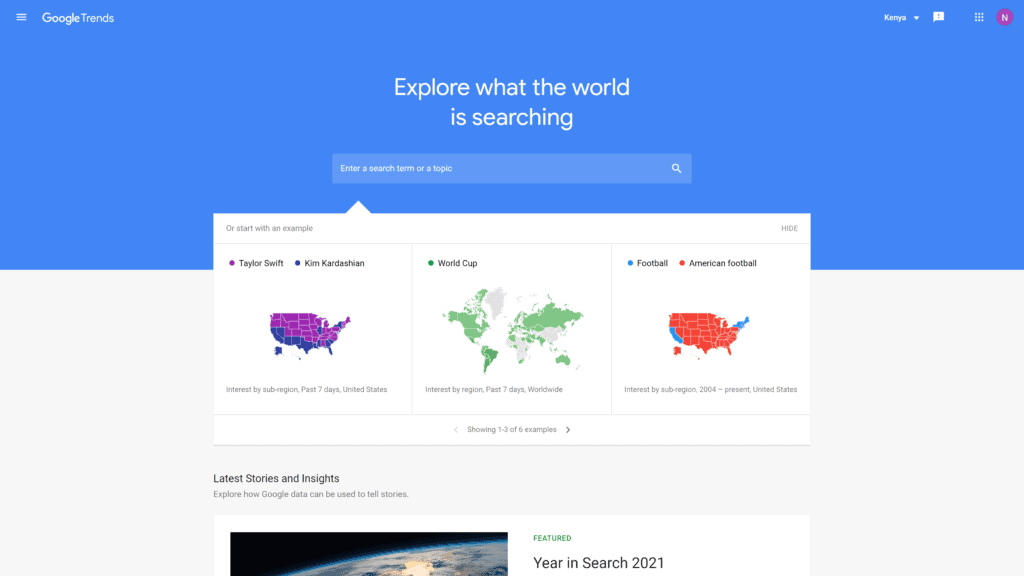
Overview: Most people know that Google is the top search engine in the world, so, understandably, they’d have their own keyword tool.
Considering it’s free, you get a lot of perks from Google Trends.
You can enter a term to get data about the search frequency and locations or check out what’s popular.
Best For: Beginning bloggers on a budget.
Notable Features: For a free tool, Google Trends gives users plenty of information across the board.
- Instructional lessons on how to get the most out of the data.
- Ability to search yearly trends dating back to 2001.
- Options to check trends on specific and related keywords for a broader scope.
Pricing & Plans: Completely free to use.
Our Take: Google Trends is free, so it’s something you should use just because there’s no cost barrier.
You might find that the data you see helps your blog exponentially.
The ability to see how keywords trend in specific areas can really help bloggers who direct their content to specific locations.
It’s also interesting to click around and see related keyword trends.
2. Ahrefs
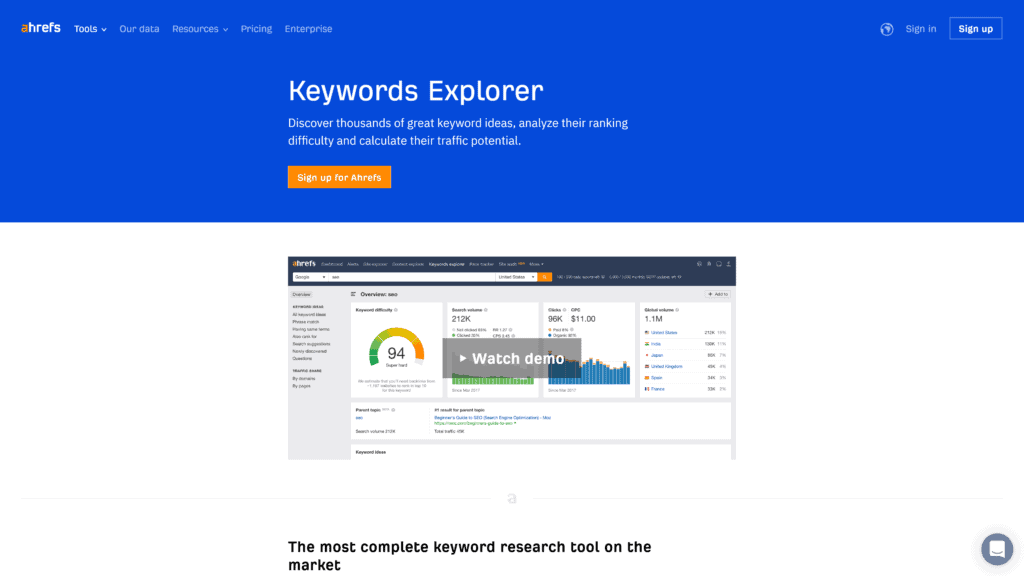
Overview: Ahrefs offers many web tools, such as their website authority checker, backlink checker, and broken link checker.
Their Keywords Explorer delivers results from ten search engines across 171 countries, giving you global results to ensure your content knows no bounds.
This information helps significantly with backlinks, another of Ahrefs’s strengths.
Best For: International bloggers with a wide reach.
Notable Features: In addition to the free SEO tools Ahrefs offers, keyword research is the best available.
- Detailed data on each keyword shows you how many clicks it gets.
- Analytics on backlinks include who links to you, what’s new, and what links you’ve lost.
- Keyword database includes over three billion entries, including related terms and questions.
Pricing & Plans: Ahrefs offers several free SEO tools, but you have to pay for Keywords Explorer. They offer four plans depending on your needs.
- Lite plan: $99 a month
- Standard plan: $199 a month
- Advanced plan: $399 a month
- Enterprise plan: $999 a month
If you pay for a year upfront, you get two months free.
Our Take: Ahrefs is one of the best keyword research tools.
You get thousands of keyword suggestions to elevate your content.
The analytics give you even more insight so that you understand how to improve your ranking.
It’s also super easy to use, so even newbie bloggers will appreciate the dashboard.
Get more information from our Ahrefs comparison post.
3. Ubersuggest
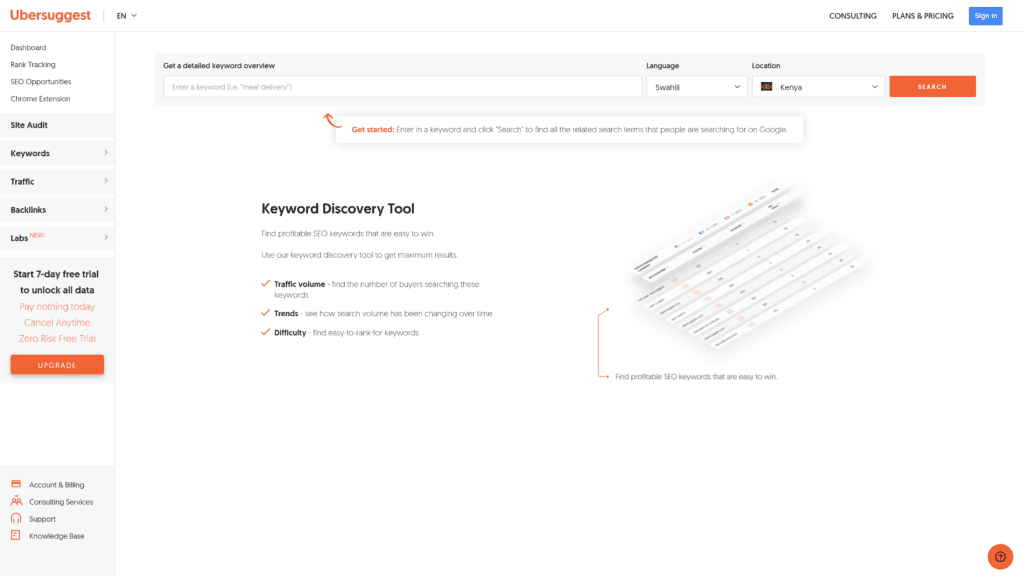
Overview: Ubersuggest allows bloggers to find related keywords and get detailed data about the likelihood of click-throughs.
There’s no need to sift through detailed analytics because you see a simple graph of the search percentage.
This presentation quickly tells you how your site will rank if you use the chosen keyword.
Best For: Bloggers who want simple keyword suggestions and data.
Notable Features: Ubersuggest seems like a basic tool, but it offers a lot of information you can use to your advantage.
- Details on estimated cost per click related to each keyword.
- Extensive free options as well as affordable paid plans.
- Review historical data going back three years.
Pricing & Plans: Free to use once you create an account so you can save and track your searches and site data.
Paid options offer more daily reports, historical data, and competitive tracking.
You can upgrade or downgrade your plan anytime, and all offer a seven-day free trial.
- Individual plan for $29 a month
- Business plan for $49 a month
- Enterprise/Agency plan for $99 a month
Our Take: We like Ubersuggest because you get a lot for free, and the paid plans are affordable.
The data you get shows how your site will rank when you add select keywords.
It even includes estimates on how much you’d make in terms of cost per click (CPC).
Getting this information quickly can exponentially increase your rankings and income.
4. Semrush
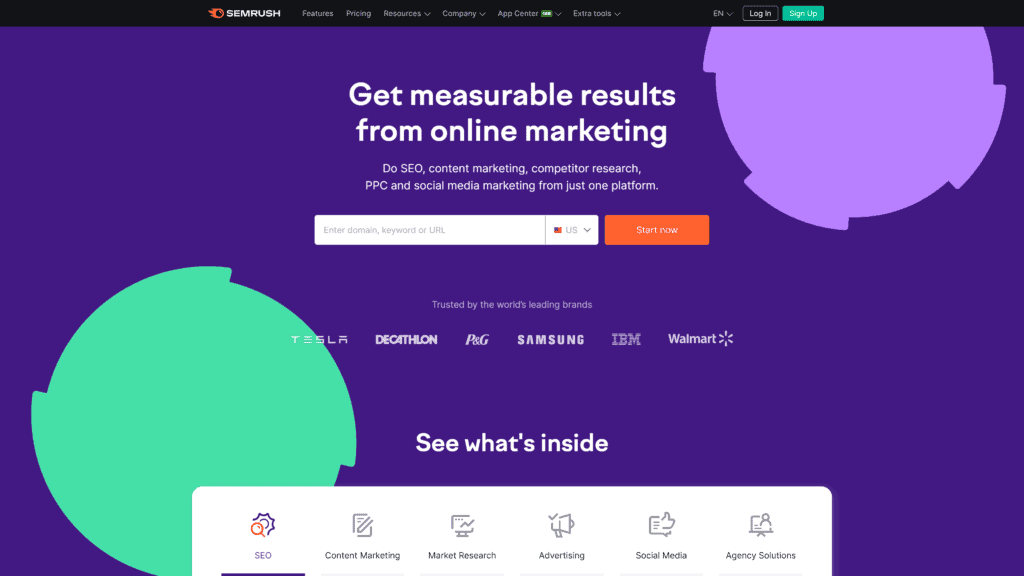
Overview: Big names use Semrush, including Walmart, Samsung, and Tesla. If it’s such a useful tool for these corporations, imagine how it can elevate your blog.
The site has over 22 billion keywords to suggest on your given topic.
It also has a backlink crawler, so your SEO rank rises with high-quality links.
Best For: Profitable blogs who need an all-in-one tool.
Notable Features: Semrush is a popular tool because of its special features encompassing more than just keyword research.
- Track domain authority and Google rankings from the main dashboard.
- Trouble-shooting alerts help you find broken links and loading errors on your site.
- Find focus keywords, related terms, questions people ask, and trending data on it all.
Pricing & Plans: Semrush is relatively expensive, but if you run a profitable blog, the cost is worth it.
Take advantage of the seven-day free trial before committing to a plan.
- Pro plan: $119.95 a month
- Guru plan: $229.95 a month
- Business plan: $449.95 a month
Pay for a year in advance and save anywhere from $20 to $75 per plan.
Our Take: Semrush is like several tools in one—you get keyword research, backlink data, and SERP positions from one dashboard.
The Keyword Gap tool is one of the best features of Semrush.
You can compare your site to a competitor’s and see what keywords they’re using.
You can then add them to your site to improve your ranking.
Check out our comparison post.
Best Blogging Tools for Writing Content
The written content is the biggest draw that keeps readers returning to your blog.
Unfortunately, it’s also what takes the most time.
If you’re constantly writing blog posts for daily updates, you won’t have time to manage any other aspect of your site.
Using one of these blogging tools to generate content will save you a lot of time without impacting the quality of the writing.
1. Jasper AI
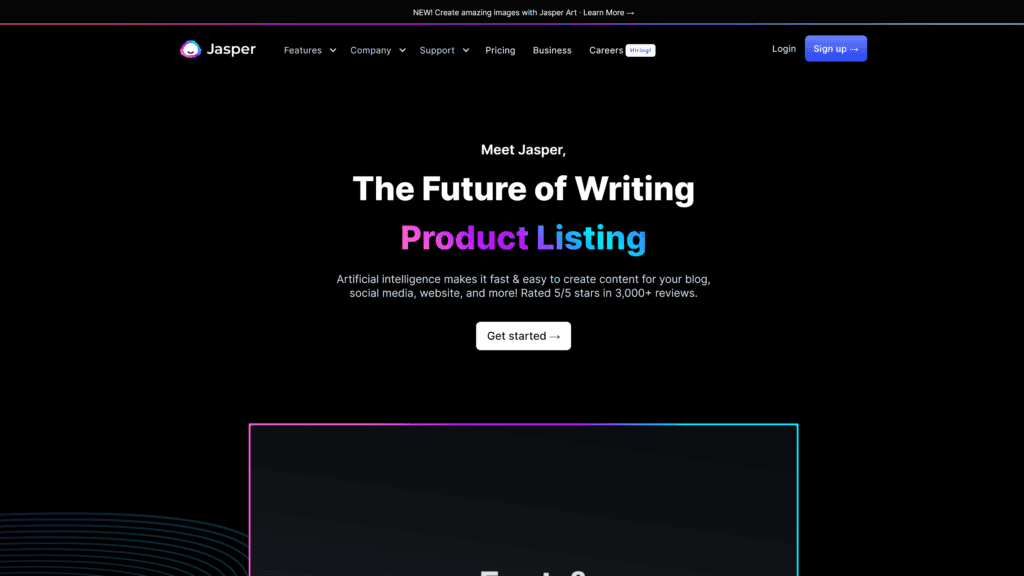
Overview: When you start writing a blog post with Jasper AI, you get suggestions to ramp up your keyword usage and make content more engaging.
You can even start with a general idea or keyword and let Jasper AI suggest some research and content for you.
Best of all, the software integrates with SurferSEO to deliver content that improves your search rankings.
Best For: Bloggers with several content outlets that need content.
Notable Features: Jasper AI is one of the most popular content-generating tools because it’s easy to use and creates quality pieces.
- Allows users to generate content in 25 different languages.
- Simplifies the content writing process by allowing you to choose a template and input keywords.
- Write long-form or short captions and product descriptions with the same tool.
Pricing & Plans: Jasper AI has several paid plans depending on how many words you need to generate each month.
- Starter plan of 20,000 words costs $29 a month
- Boss Mode plan of 50,000 words costs $59 a month
- Business plan consists of your necessary words at a custom price
You can ramp up each plan to include more words.
For example, 75,000 words on the Starter plan costs $99 a month, and 300,000 words on the Boss Mode plan costs $279 a month.
You can get the exact plan you need to generate all your content.
Our Take: No AI tool can deliver content on par with what a human will write, but that’s not why you use this type of program.
It simplifies the brainstorming and generation process by giving you input on what helps SEO while you work.
You don’t have to edit your content later to improve your search rankings.
Check out our full Jasper AI review for even more information.
2. Wordtune
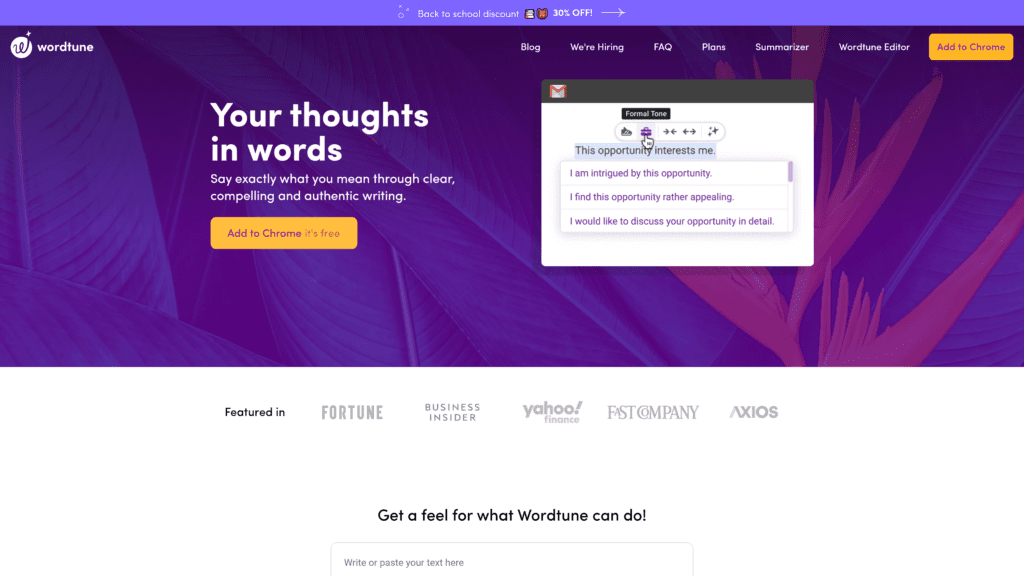
Overview: If the name Wordtune makes you think of autotune, then you get a general idea of what this tool provides.
You might have no problem generating content for your blog but find that your writing doesn’t pop.
Wordtune helps you rewrite posts to vary sentence structure and ensure you make your point.
Best For: Bloggers who need an editor to keep them on track.
Notable Features: Wordtune sounds like a simple editing program, but it has many special features that make it worth using.
- Install the Chrome and Word extensions so it improves your writing during the process, saving time in the revision phase.
- Free plan offers enough for many bloggers, saving a lot of money in the long run.
- Interprets the emotional content in your writing to stick with a cohesive tone.
Pricing & Plans: Wordtune plans are affordable, with the free version offering enough features for many bloggers.
- Free plan with ten rewrites a day
- Premium plan for $9.99 a month with unlimited rewrites
- Premium Team plan with unlimited features at a custom price
Our Take: Since you can get a lot from Wordtune for free, it’s a tool worth adding to your blogging process.
Writing regular blog posts can impact your tone, and you don’t even realize that you’re getting repetitive.
Wordtune prevents that from happening, so your audience gets fresh, engaging content from your site.
3. Rytr
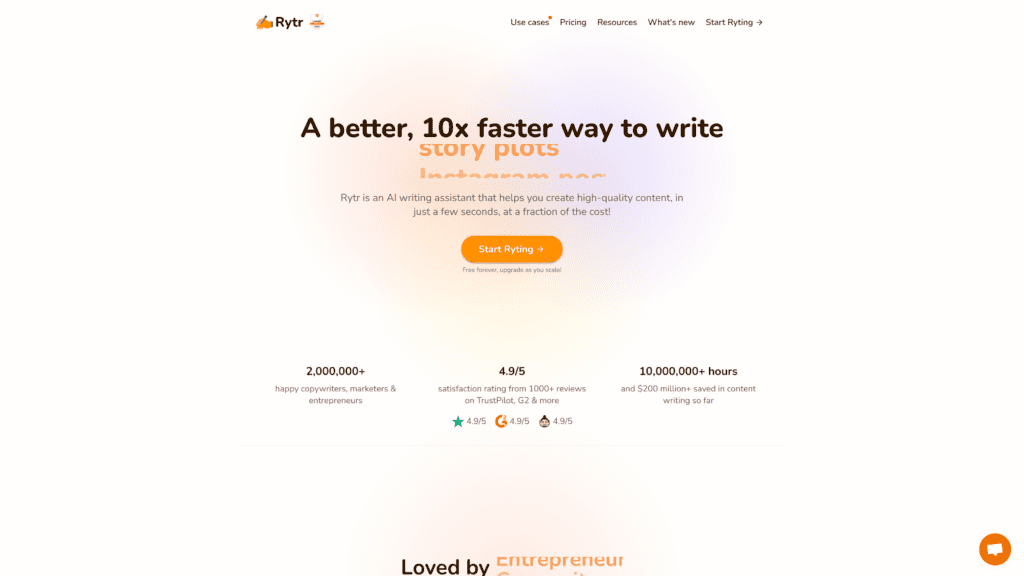
Overview: Rytr empowers blog owners to generate quality written content without needing to slave over the keyboard for hours.
Select the tone of voice you want for the project, enter a few keywords, and choose the type of content you want it to create.
Click “Ryte for me” to see results almost instantly.
Best For: Bloggers with social media accounts and email newsletters.
Notable Features: Rytr does more than generate generic blog content.
- Create content in over 30 languages, including Arabic, Chinese, English, French, German, and more.
- Always get 5,000 free characters a month, even if you’re not paying for a plan.
- Write any type of content, such as blog posts, email newsletters, social media captions, and scripts for vlogs.
Pricing & Plans: Whether you use the free plan or pay for Rytr, you will get quality content at an affordable price.
- Free plan with 5,000 characters a month
- Saver plan for $9 a month and 50,000 characters
- Unlimited plan for $29 a month
Our Take: As with any AI writing tool, Rytr isn’t perfect.
You’ll need to devote a little time editing the piece when it’s ready just to ensure it sounds like your brand and has no significant errors.
But it saves a lot of time and the ability to choose a tone, such as professional, informal, humorous, and others, makes it unique.
Best Blogging Tools for Optimizing Content
Bloggers might wonder why they need a tool to optimize content if they already use keyword research and content generation programs.
Search engines crawl, find optimized content, and send it to the top of the results pages.
These blogging tools elevate your content to ensure it’s getting in front of the right audience.
1. Surfer

Overview: Surfer gives bloggers the chance to optimize their posts and direct more organic traffic to their pages.
It saves you the time of going into each post to add keywords and backlinks by automating the process.
Surfer compares your site to the top ten hits and tells you what’s missing so you can push your site to the top of the results.
Best For: Bloggers who want to be the top search result.
Notable Features: Surfer provides more than keyword suggestions.
Even with a free plan, you can track websites to see what keywords they use and how each term performs.
When you pay, you get all the features you need to elevate your blog.
- Analyzes all aspects of your blog to help you rank at the top of the search engine results.
- Paid plans allow you to generate content from the main dashboard, optimizing it as you work.
- Compare your site to competitors to help you beat them to number one.
Pricing & Plans: Surfer offers several free tools, so beginners don’t have to pay for a plan until they try it out.
When you’re ready to commit to a plan, choose one that best suits your blog.
- Free plan to track websites and get topic suggestions
- Basic plan for $49 a month
- Pro plan for $99 a month
- Business plan for $199 a month
All plans offer keyword research and a content planner, but paid plans include the option to track your website.
You’ll get analytics about links, clicks, and overall search engine performance.
Our Take: The free version of Surfer gives you a bit of help with your blog content, but it’s worth paying for a plan.
Every paid plan includes at least ten articles a month from the Content Editor.
Paying for Surfer means you don’t have to pay for both a keyword researcher tool and an AI writer because you get both in this subscription.
2. MarketMuse
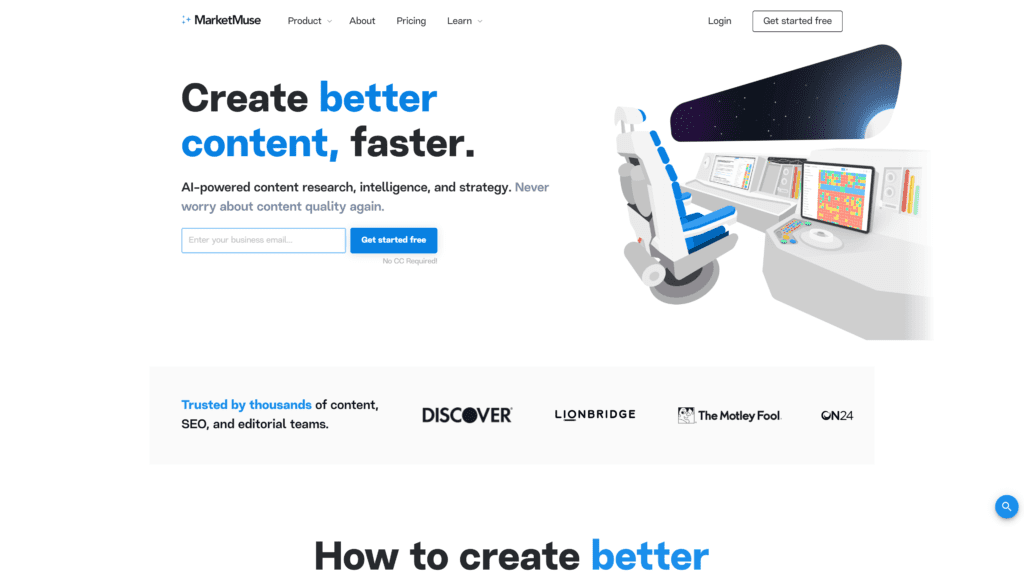
Overview: MarketMuse helps with every step of blog maintenance, from keyword and content research to SEO optimization.
You can also use it to generate FAQs for your posts and find link suggestions.
Best For: Large-scale, income-generating blogs.
Notable Features: MarketMuse does more than just help with keyword research.
It finds links and FAQs to include in your content, then optimizes it for high search engine ranks.
It offers lots of features users may overlook.
- See your content score as you write so you can add key phrases and increase the word count to rank higher in the search results.
- Look at your competitors to see what keywords they’re using so you can add them to your content and improve your ranking.
- Easily find the tools and analytics on the simple dashboard.
Pricing & Plans: MarketMuse plans might give you whiplash—they start at free and scale up to $12,000 a year.
Depending on what you need, it can be worth the investment.
Consider how much time you’d spend on the tasks or how much you’d pay an assistant, and it puts the price into perspective.
- Free plan with 15 queries a month
- Standard plan for $7,200 a year
- Premium plan for $12,000 a year
The Standard plan perks include 100 monthly queries and unlimited projects.
The Premium plan is completely unlimited.
Our Take: We appreciate how MarketMuse offers you everything you need to run your blog, but it prices itself out of a lot of bloggers’ ranges.
It combines keyword research and content outlines and generation, but it’s so expensive that you’re usually better off paying for those two services separately unless your blog makes a lot of money.
3. Clearscope

Overview: Clearscope helps you find the right keywords for your content and optimizes posts before they go live.
You can see a scale of how often competitors use specific terms and find out if you should use them in headings or body text.
Best For: Bloggers aiming to grow their audience organically.
Notable Features: Clearscope does more than simply suggest keywords for your posts.
You get detailed data about the terms and your competitors to level up your website.
- Run reports on specific keywords to see what the top 30 results use and how it pays off for them.
- Easily tell the quality of your content based on a letter grade, with the suggested minimum score right below.
- Get guidelines on how long your post should be, along with readability levels.
Pricing & Plans: Clearscope plans are on the pricier end of the spectrum, but bloggers who want to increase organic traffic and engaging content will see a payoff with their subscription.
- Essentials for $170 a month
- Business for $1,200 a month
- Enterprise at a custom rate
Our Take: Clearscope is more expensive than some of the keyword research tools reviewed in the first section, so depending on your blog income, you might choose one of those instead.
But if you can afford Clearscope, it has a lot to offer and can help send your site to the top of the search results, which pays off in the long run.
Best Blogging Tools for Editing Content
Finding the right keywords and optimizing content helps your blog rank highly on search engines.
But content is king, so you need to ensure you edit things so they’re readable and engaging.
These blogging tools help you edit content to let your voice stand out from the crowd.
1. Grammarly
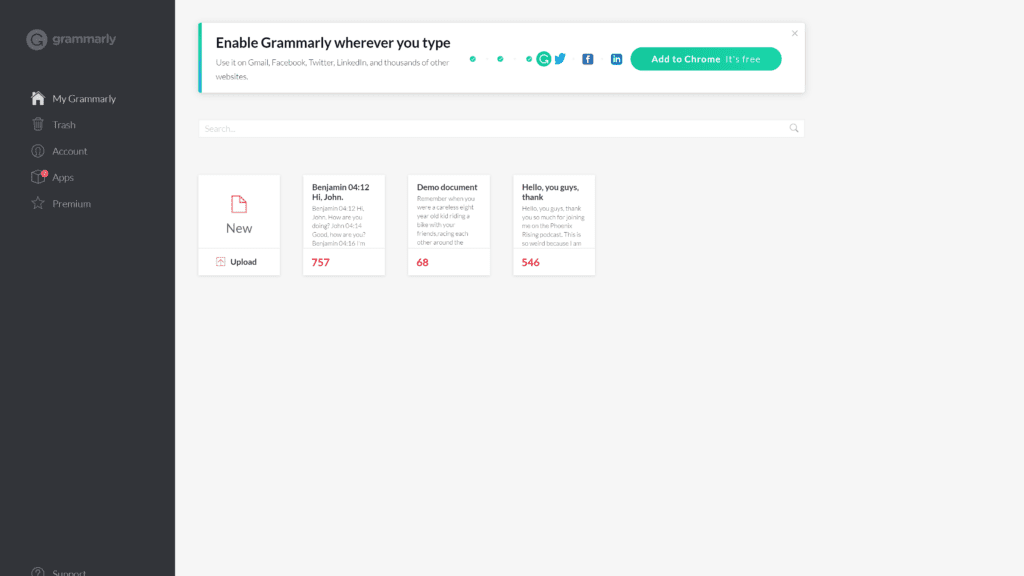
Overview: Grammarly is a tool that functions as a proofreader for your work.
You don’t have to pay for a personal editor when you use this software.
It highlights spelling and grammar errors and suggests changes to sentence structure.
Every change makes your writing easier for readers to understand, which keeps them coming back to your site.
Best For: Every blogger sharing written content.
Notable Features: Grammarly has a lot of impressive features, whether you’re using the free version or paying for a subscription.
- Free plan gives you a lot of feedback regarding spelling and grammar errors, like a second set of eyes for your posts.
- Premium version elevates your content into something more professional.
- Helps you determine the tone of your writing and allows you to tweak it to appeal to your target audience.
Pricing & Plans: You can use Grammarly for free and get a lot of help with your content. But they offer paid plans depending on your needs.
- Premium plan for $12 a month
- Business plan for $15 a month
Our Take: Every blogger needs to use Grammarly, even if you stick with the free plan.
You’ll notice how much it improves your writing with the suggestions, and over time you’ll learn how you typically write and can adapt, so you don’t need as much help from the tool.
Paying for a plan gives you even more help, such as finding monotonous passages.
2. Hemingway App
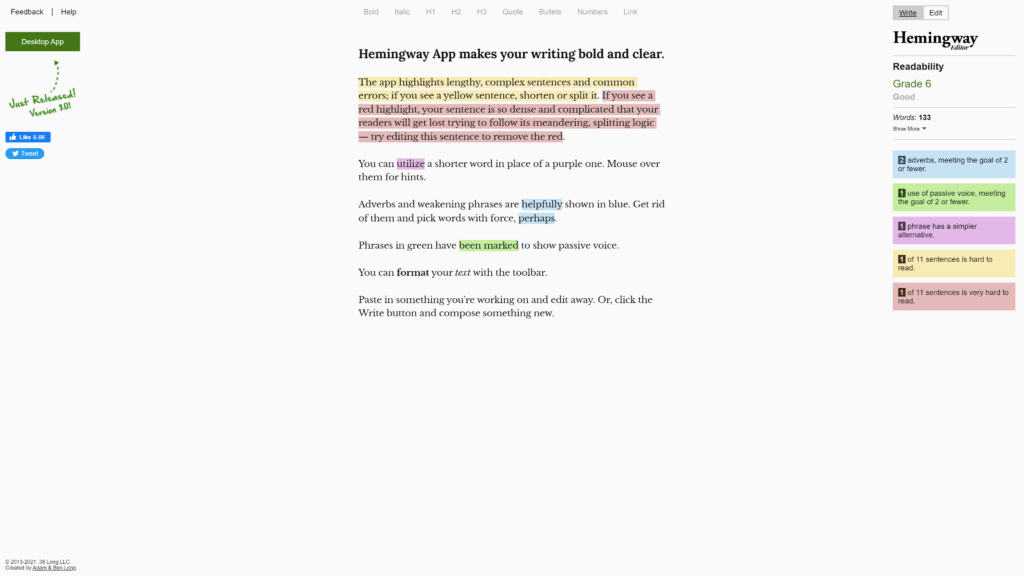
Overview: Hemingway App is a free site that gives you space to create or edit content.
It highlights problems with your writing, such as passive voice, too many adverbs, and confusing sentences.
Best For: Bloggers on a budget wanting to improve their writing.
Notable Features: For a free site, Hemingway App helps bloggers improve their content with several key features.
- Highlights errors in different colors so you can easily find your problems.
- Tells you the reading level of your content so you can appeal to your ideal audience.
- Allow you to write and format content directly on the web-based tool.
Pricing & Plans: Completely free
Our Take: There’s no reason you shouldn’t use Hemingway App.
We like to use it as the first pass in editing.
Input your content, eliminate passive voice, and check your sentence structure.
Red sentences are confusing and will alienate your reader.
Once you’ve made corrections, you can run the content through another tool, like Grammarly, to clean it up.
3. ProWritingAid
Overview: Many blogs offer a mix of written posts, images, and video content, but bloggers who write long-form articles will love the support they get from ProWritingAid.
While a paid plan with Grammarly can correct a lot of your mistakes, ProWritingAid combines the role of teacher and editor to empower you to become a great writer.
Best For: Bloggers who focus on written content.
Notable Features: ProWritingAid is what it claims to be—professional. If you struggle writing blog posts, this tool helps you out so your audience will never know.
- Picks up on your writing tone and offers relevant suggestions.
- Integrates with your writing platforms, such as Word, Google Docs, and others.
- Gives detailed feedback on various aspects of your writing beyond spelling corrections.
Pricing & Plans: ProWritingAid is more expensive than a Grammarly subscription, but it gives you different tools.
Depending on your blog content, you might find a paid plan is worth the investment.
The cost varies depending on your commitment. You can pay:
- $20 a month
- $120 a year
- $399 for lifetime access
Our Take: ProWritingAid is several steps above Grammarly and gives you detailed reports on your grammar, overused words, cliches, readability, and pacing.
If you’re a blogger who relies heavily on written content, polishing posts with ProWritingAid will significantly impact your traffic.
Best Blogging Tools for Creating Visuals
Visuals can enhance your blog posts by illustrating a point.
They also engage your reader and keep them on the page longer, which improves your data and search ranking.
These blogging tools help you create visuals even if you have no artistic talent of your own.
1. Pexels
Overview: Adding photos to your blog posts will grab your reader’s attention.
They’ll feel like they can connect with the words because of the image you include.
It’s also a way to highlight specific sections of your writing or break up long paragraphs so the user stays on the page longer.
Pexels offers you thousands of images for free.
Best For: Bloggers who want to include photographs in their posts.
Notable Features: No matter what type of photograph you’re looking for, Pexels will have something suitable.
But the images aren’t the site’s only notable feature.
- You can use the images on your blog for free as long as you don’t sell them as merchandise.
- While you don’t own the image and can’t claim credit, you can use it without many restrictions.
- Photographers upload tons of stock images, so you’re sure to find something that suits your content and brand identity.
Pricing & Plans: Pexels is free—create an account and access stock photos for your blog.
Our Take: Buying stock photos gets expensive quickly, and unless you’re a professional photographer with an extensive database, finding the right image for your blog is tough.
Pexels takes away all that work and makes it easy for you to search for a keyword and find relevant images.
As long as you don’t claim the image as your own, it’s free to use, so it’s worth it.
2. Canva

Overview: Canva is an online graphic design program that helps users create professional images.
You can make images to include with your blog or design elements for your site’s layout.
Use social media templates to promote your posts on other channels.
Best of all, the free plan gives you plenty to work with, so you won’t break the budget.
Best For: Bloggers who want to create their own graphics.
Notable Features: Canva has a lot to offer.
There’s no need for graphic design software when subscribing to this blogging tool.
- Create blog images, layout graphics, and headers using templates or a drag-and-drop editor.
- Use templates specifically sized for Instagram posts and stories, as well as Facebook and other social media outlets.
- Customize fonts, colors, and more, even with the free plans.
Pricing & Plans: You can do everything you need with a free Canva account.
Paying for an account eliminates restrictions regarding custom Canva templates and graphics and lets you edit images and resize graphics easily. Paid plans include:
- Canva Pro at $119.99 a year
- Canva for Teams at $149.90 a year
Our Take: Everyone should use a free Canva account because there’s no risk.
You don’t input credit card information—it’s completely free; no strings attached.
As a result, you can easily create custom graphics that draw attention to your blog.
Use templates and change colors and fonts to suit your brand identity.
3. Picmonkey

Overview: Picmonkey gives you the tools to create flyers, digital presentations, social media posts, and YouTube title cards.
You can also design a logo, making it an ideal tool for beginning bloggers who want to establish their identity on the web.
Best For: Bloggers who want photo editing capabilities.
Notable Features: Picmonkey empowers users to customize photos and visuals without paying for a professional program like Photoshop.
- Edit photos with filters, effects, overlays, masks, and watermarks.
- Design logos, business cards, flyers, and other print and digital images.
- Use templates as a jumping-off point, or create your own design from scratch.
Pricing & Plans: Try a seven-day free trial of Picmonkey before committing to a paid plan.
- Basic plan for $72 a year
- Pro plan for $120 a year
- Business plan for $228 a year
Our Take: Picmonkey is a great blogging tool if you can afford it.
Since it’s backed by Shutterstock, you have access to more photographs than you do with Canva.
But since Canva offers so much for free, it’s hard to recommend a paid option instead.
If you’re dealing more with photographs, Picmonkey is the way to go, especially as an alternative to Photoshop.
Best Blogging Tools for Sharing Content
Writing and publishing a blog post without sharing your content is like a tree falling in the woods—does anyone notice it?
You need to ensure your words get out in front of your ideal audience, and these blogging tools can help.
1. ShareIt
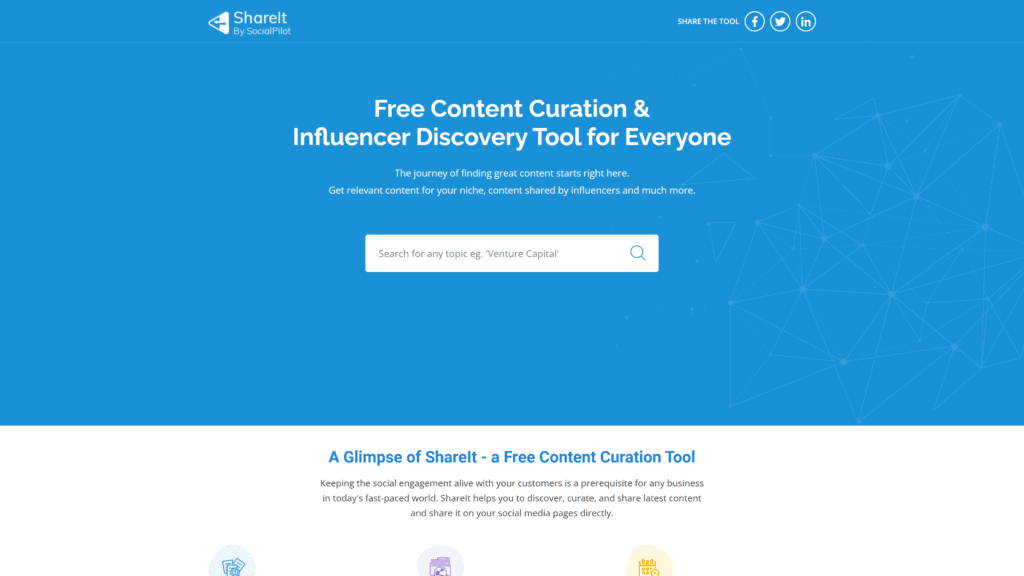
Overview: ShareIt gives bloggers a way to put their content on the web in a place where people spend their time.
You can visit the site and search for a specific topic to get the top results in the past 24 hours.
Users can share your content directly from the platform, ensuring countless people see it on other social media outlets.
Best For: Bloggers wanting to expand their audience.
Notable Features: ShareIt is an innovative way to reach new audiences, and it offers a lot of special features to help grow your blog.
- Schedule posts ahead so you don’t have as much to do once the content goes live.
- Access thousands of users across social media platforms like Instagram, Pinterest, LinkedIn, TikTok, Facebook, and Twitter.
- Get analytic reports that show how your content performs, helping you generate new content your audience wants.
Pricing & Plans: Regardless of what plan you invest in, start with the 14-day free trial to see what ShareIt offers.
You don’t need to input your credit card information—just start sharing content.
Paid plans include:
- Professional plan for $30 a month
- Small team plan for $50 a month
- Studio plan for $100 a month
- Agency plan for $125 a month
Pay for a year in advance to save 15% on each plan.
Our Take: Once you start blogging, getting stuck in a rut with your core audience is easy.
Putting your content on ShareIt gives you an outlet to find new readers.
Your content shows up for 24 hours so other users can share it directly to their social media profiles.
You’ll also love using this tool to get ideas on what to write about based on what gets the most shares.
2. Quora
Overview: Quora is a site where users can pose questions and others can answer them.
You can share information from your blog by creating a profile and linking your posts when they answer a relevant question.
You can also check out the posted questions, write posts to answer them, and then share the link.
Best For: Bloggers who want to help others.
Notable Features: Quora might seem like a strange platform to promote your blog, but its features make it one of the best outlets.
- See what people want to know and how popular questions are to generate new content.
- Share your link at the start of your Quora bio so everyone sees it in snippets.
- Over 300 million people visit every month, so it’s a great way to get your site out there.
Pricing & Plans: Quora is free.
You need to make an account to fill in your profile and answer questions, but you don’t have to pay to use the service.
Our Take: With so many monthly visitors, you should use Quora to share blog posts.
Searching for questions and posting your response takes a bit of time, but getting your name out there is worth it. In addition, it can be kind of fun to look for upvoted questions relevant to your blog topic.
You can also get content ideas based on what users want to know.
3. MashShare
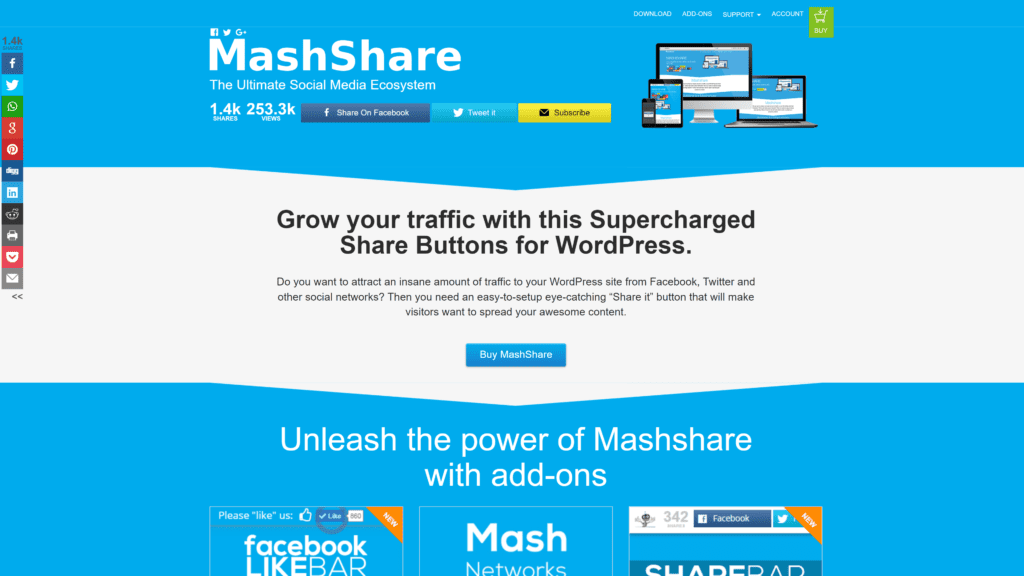
Overview: MashShare is a WordPress plugin that adds a “Share It” button to each post so users can click it and spread your link.
It enables people to post your blog articles on Facebook, Twitter, and other social media outlets.
Best For: WordPress users wanting to grow their audience.
Notable Features: Since MashShare is a plugin, you might think it has limited capabilities but great features.
- No need for an external script, so it won’t slow down your blog’s loading time.
- It’s DSGVO compliant, meaning it maintains privacy and doesn’t collect your audience’s data.
- Detailed link and traffic tracking with Google Analytics.
Pricing & Plans: MashShare is a free plugin, but you must have your blog hosted on WordPress to use it, so you’d have to pay for that plan.
The free plan also limits you to share via Twitter and Facebook.
For the ability to reach anyone on any social media platform, you have to pay for add-ons.
- Personal plan for one site with eight add-ons is € 39
- Business plan for five sites with 12 add-ons is € 119
- Pro plan for unlimited sites with 12 add-ons is € 199
- Ultimate plan for the Pro plan plus lifetime updates is € 339
Each plan has a 30-day guarantee.
So if you try the add-ons and don’t like them, you can get your money back during that first month.
Our Take: We recommend you take advantage of any free product because there’s no financial risk associated with it.
MashShare is no different—WordPress users need to use this tool.
As soon as you install it, users can share on Facebook and Twitter.
Once you activate add-ons, they can share to every social media platform you can think of, exponentially increasing your reach.
Best Blogging Tools for Automating Things
Automating aspects of your blogging process makes management easier on you while still pushing fresh content to your blog and other sites.
There are different ways to automate things, and these blogging tools will help.
1. Wordable
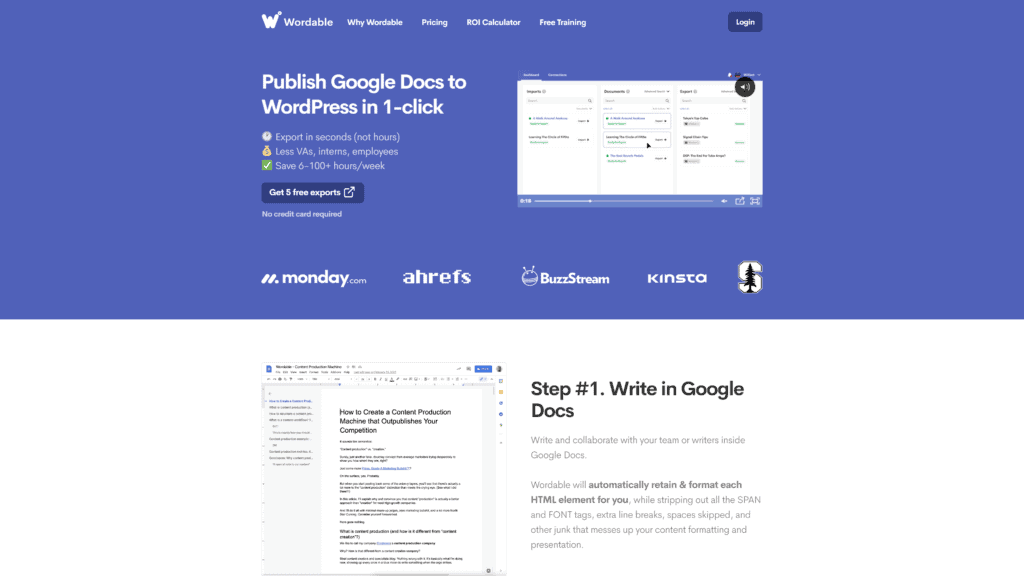
Overview: Wordable is a blogging automation tool that takes Google Doc files and turns them into a WordPress post.
It doesn’t have to be text-only—you can include images, tables, and headings, and the tool ensures they’re compatible with WordPress.
You don’t have to copy, paste, and reformat posts before they go live.
Best For: WordPress users that update frequently and want to simplify posting.
Notable Features: Wordable streamlines blog posting with many special features.
- Exports Google Doc files into WordPress posts without you having to copy, paste, and format them.
- Automatically detects tables, images, and special formatting to ensure the post shows up as you intended.
- Connect team drives so you can import documents from multiple sources.
Pricing & Plans: Wordable offers a seven-day free trial, giving you the chance to export five Google Docs to WordPress to see how it works.
At that point, you can choose one of three plans:
- Solo plan with 50 exports a month for $49
- Team plan with 110 exports a month for $99
- Business plan with 250 exports a month for $199
- Company plan with 450 exports a month for $299
Our Take: WordPress users will love the simplicity of Wordable.
The plans are affordable depending on your posting frequency.
All Google Docs go right to WordPress without issue, but you can even post to HubSpot and Medium with a few extra steps.
This tool greatly simplifies the posting process for frequent bloggers.
2. Buffer
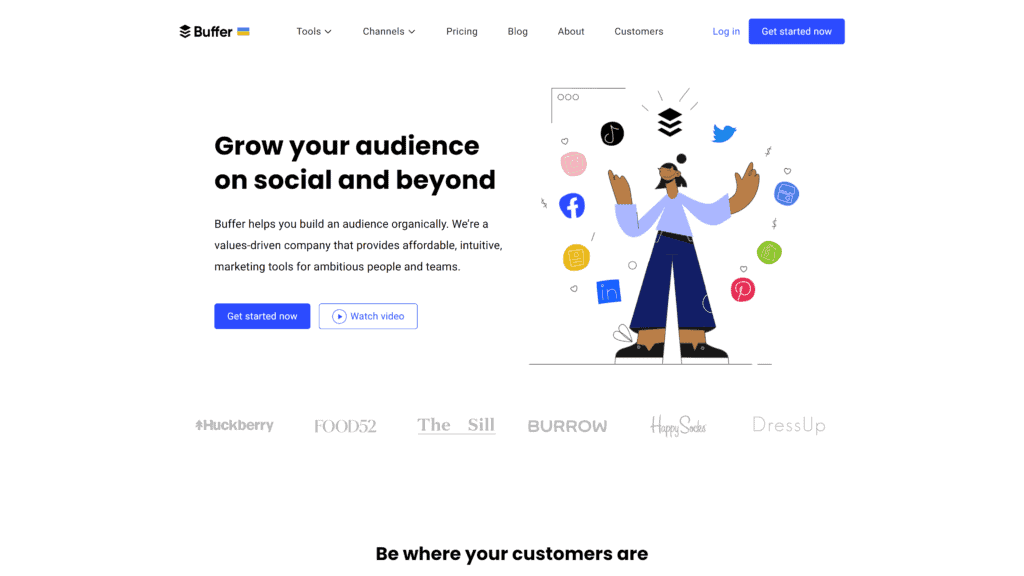
Overview: Buffer is a blogging automation tool that’s been around for ten years and has 140,000 users.
People trust the tool to build their following because it schedules social media posts and delivers detailed analytics so you can see what’s working.
Best For: Bloggers who want to streamline several social media outlets.
Notable Features: Buffer does more than post your content on social media accounts.
You can take advantage of many special features.
- Use the tool to analyze your social media accounts before you even get started so you know what’s working and what you should change.
- Craft campaigns with Buffer and schedule them so you don’t have to make time for social media each day.
- Use labels for comments so you can engage with your audience and keep them coming back for more.
Pricing & Plans: Buffer offers a free plan so you can get started and see how the tool helps grow your audience.
Paid plans come in several tiers, such as:
- Essentials plan at $6 a month
- Team plan at $12 a month
- Agency plan at $120 a month
You can try each plan free for 14 days before committing.
While the Essentials and Team plans have you pay per channel, the Agency plan includes ten social channels.
Depending on how many outlets you have, it might be worth the price.
You can pay for a year in advance to get two months free.
Our Take: Most people spend several hours a day scrolling social media.
They jump from Twitter to Facebook, then go to Instagram and watch TikToks.
You need to promote your blog on these outlets to reach your audience, but it can take a lot of time, and it’s easy to get distracted.
Buffer automates the posting and labels comments so you can go in and engage with users.
3. SocialBee
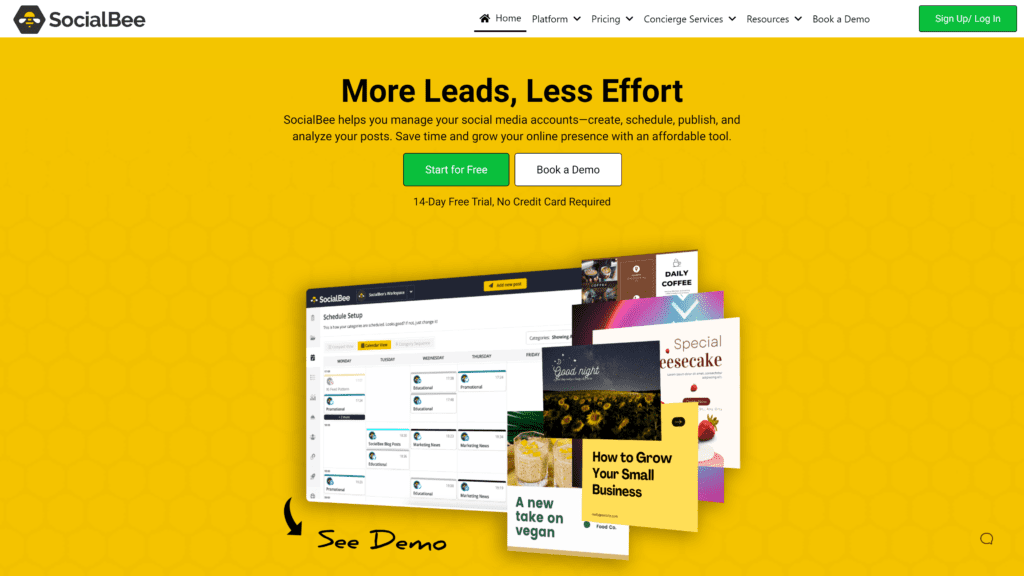
Overview: SocialBee manages social media accounts, so you can ensure you’re posting regularly on them all.
You can also schedule promotions for blog posts and other content to continually push traffic toward your site.
Best For: Bloggers active on social media profiles.
Notable Features: SocialBee is simple to use, but you’ll want to take advantage of its special features to get the most out of your subscription.
- Canva integration lets you design images and schedule them from one dashboard.
- Check out your posting schedule with the in-app calendar.
- Get detailed data about your engagement and interactions.
Pricing & Plans: SocialBee has three plans that help you manage your online life:
- Bootstrap plan with five accounts for $19 a month
- Accelerate plan with ten accounts for $39 a month
- Pro plan with 25 accounts for $79 a month
You can sign up for a 14-day free trial without entering your payment information, so it’s worth testing.
Choose a plan based on how many social media profiles you have, and you’ll greatly simplify the time you spend promoting your blog.
Our Take: SocialBee is an easy automation tool that doesn’t cost much, so it’s worth the investment.
We love the simplicity of the Canva integration, which cuts out another blogging tool account.
The calendar is also really helpful to see what content you have scheduled and what you still need to create.
4. Agorapulse

Overview: Agorapulse gives bloggers the ability to manage all their social media profiles from one dashboard.
You get a broad look at the content you have planned for each platform on each day, as well as insightful data about engagement.
Their customer service responds within 30 minutes, so you don’t have to keep your audience waiting if you hit a snag.
Best For: Bloggers intent on growing their platform or already making money.
Notable Features: Agorapulse is more than just a scheduler.
It includes special features that make blog management easier for you.
- Dedicated inbox for comments, DMs, and other social media interactions.
- Ability to schedule content across social media channels from one dashboard.
- Track trends and engagement so you can improve future posting for the most interaction.
Pricing & Plans: The free plan lets you manage three social profiles on select platforms.
You can try any tier of Agorapulse free for 30 days before committing to a paid plan.
- Pro plan for ten profiles at $99 a month
- Premium plan for 20 profiles at $249 a month
- Enterprise plan for custom profiles and price
Our Take: Agorapulse is the most expensive automation tool, so it’s not for casual users.
Bloggers who are serious about growing their audience or already profiting from their site will want to take advantage of the features.
Their responsive customer service is a major benefit, so you might want to subscribe to Agorapulse for that help alone.
Best Blogging Tools for Task Management
Keeping track of task management is one of the most time-intensive jobs when it comes to running a blog.
You put in a lot of effort behind the scenes, and it pays off over time, but it’s tough to organize everything.
Using one of these blogging tools can streamline the process for you.
1. Trello
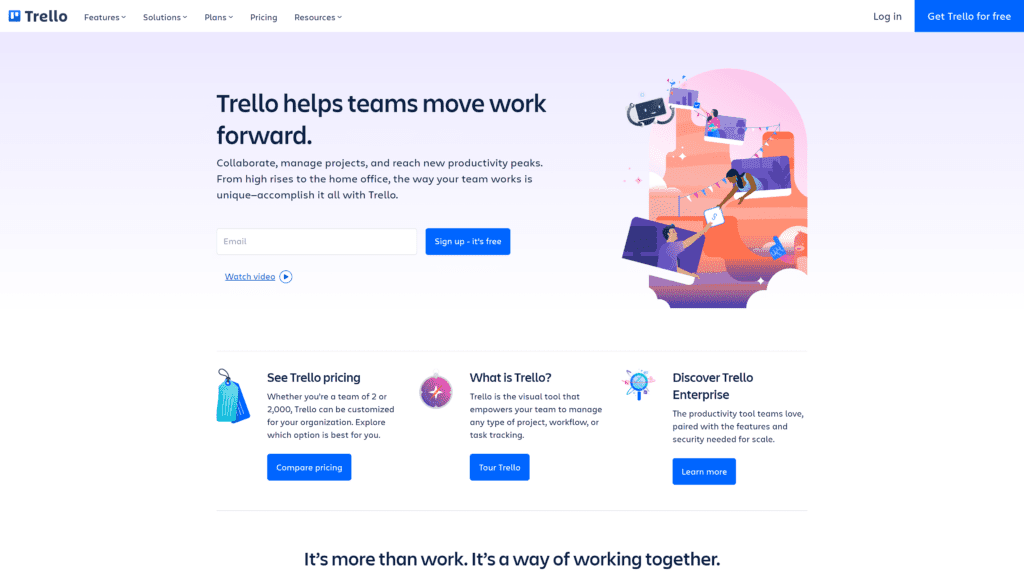
Overview: Trello is a way to organize your blog ideas, drafts, images, links, analytics, and more.
You can use it if you work on your own or grant your team access so you can brainstorm together to streamline your workflow.
Create lists and cards or assign tasks to people and track their progress.
You can also integrate it with apps like Dropbox and Slack for universal access.
Best For: Organized bloggers who like to brainstorm and make notes.
Notable Features: Trello goes above and beyond sharing a document or spreadsheet because it offers many special features.
- Users can brainstorm together by creating lists and cards on project-specific boards.
- Assign tasks to people and allow them to check off jobs as they finish them so everyone stays up-to-date.
- Track productivity and create timelines that show everyone the deadlines.
Pricing & Plans: Trello offers a free plan with unlimited cards and ten boards per space.
You can store files and work together to see how the tool helps your team.
If you like the free plan and want more features, you can choose from three paid plans.
- Standard plan for $6 a month
- Premium plan for $12.50 a month
- Enterprise plan starting at $17.50 a month
Paying a year in advance gives you a nice discount on your Trello plan.
Our Take: Since Trello offers a lot of features for free, you should try it out and see how it helps organize your blog.
The different options for making lists, assigning tasks, and outlining deadlines can streamline the way you generate content for your blog.
Since it’s all online, you can always access your account on a computer or mobile device to stay on top of things.
2. Asana
Overview: Asana is similar to Trello in terms of the basic foundation, but the dashboard is more intuitive and user-friendly.
You can view tasks by lists, checking each duty according to the main goal it achieves.
Or you can see tasks only assigned to you or filter by the due date.
The flexibility of the interface means you’re always ahead of the game when it comes to your blog.
Best For: Bloggers who love to visually map their tasks and deadlines.
Notable Features: Asana is more than just a way to collaborate and communicate with your team.
You streamline blog management with special features.
- List, board, or timeline view to see the big picture of each project.
- Keep resources, links, and ideas in one place for everyone to access.
- Create forms so your team can input information without having to send off-platform emails or messages.
Pricing & Plans: Teams just getting started or smaller than 15 people can use the free plan and never need to upgrade.
For more features, you can choose from two paid plans:
- Premium plan for $13.49 a month
- Business plan for $24.99 a month
Both plans offer discounts if you pay for a year in advance.
Our Take: Asana is a great organizational tool for users who like visuals.
You can color code tasks according to project or user.
You can view things as lists or along a timeline.
Since the free version allows 15 team members, you should give it a try before paying for a similar tool.
3. Jira
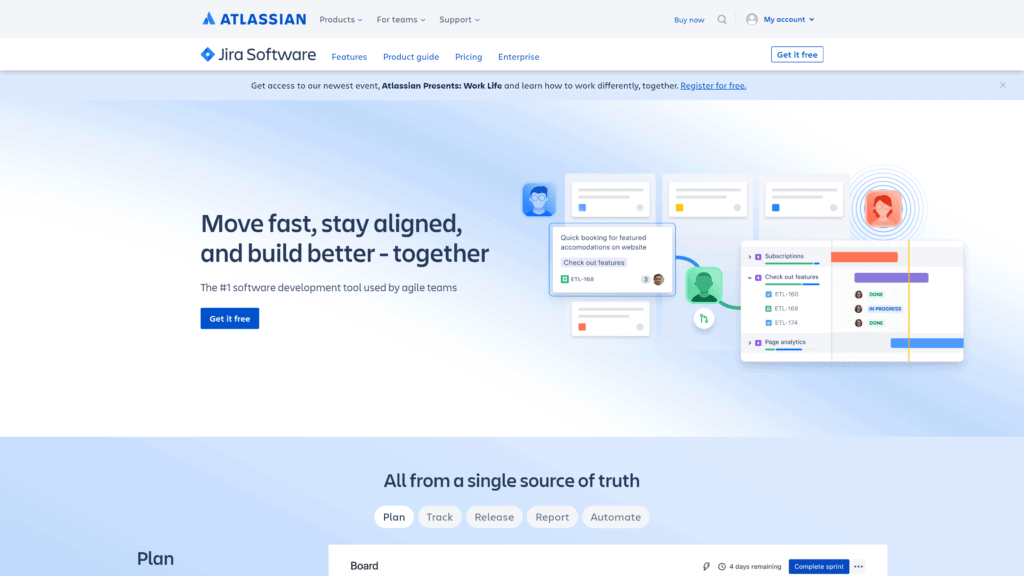
Overview: Jira is a program that can help you or your team build your blog and follow through on content and promotions.
You have a board to plan out ideas, and each user can track their progress.
Since every user accesses the same dashboard, you know everyone has the latest information to keep your blog on track.
Best For: Bloggers who want to track their blog’s ideas and progress.
Notable Features: Jira is more than a collaborative workspace.
It offers many features to empower you and your team to grow your blog.
- Ability to customize the dashboard depending on the features you or your team actually need.
- Integrate with other apps, like Microsoft Teams or Slack, to take advantage of what you already use.
- Access the user community for helpful hints and tricks to get the most out of Jira.
Pricing & Plans: Jira’s free plan allows ten users to collaborate with two gigs of storage space.
You never have to pay for the service, but if you want to, there are three paid plans.
- Standard plan for $7.50 per user
- Premium plan for $14.50 per user
- Enterprise plan at a custom rate
You’ll save money paying for an annual plan and can try any option free for seven days.
Our Take: Jira is more straightforward than Asana, which we like for its colorful flexibility.
Using Jira will make your team feel professional and driven, which is a great quality for business-minded blogs.
If you’re serious about blogging, Jira can help.
If you want to keep it fun, we recommend Asana, which is also more affordable in terms of paid plans.
4. ClickUp
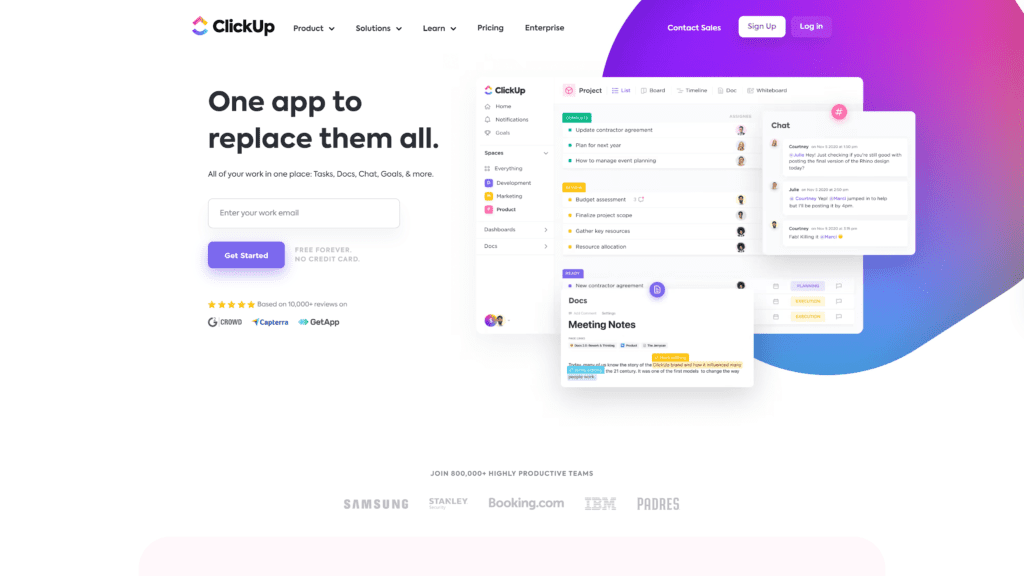
Overview: ClickUp gives you one dashboard to manage everything relating to your blog, such as team chats, To Do lists, documents, and goals.
You can create lists of projects and break them down into tasks per user.
Each person can then view things by project, deadline, or as an overall list.
You can also communicate with your team through the platform.
Best For: Bloggers who want countless features in one dashboard.
Notable Features: ClickUp goes beyond project management to provide the one solution your team will need.
- Chat with users or send messages on specific tasks.
- Toggle between list, board, or calendar views, so you’re always aware of what’s happening.
- Arrange things according to subdivision, topic, due date, or team member.
Pricing & Plans: ClickUp’s free plan gives you an idea of all it offers, and you might find that there’s no need to pay for the service.
You get plenty of blog management features in this version.
Teams might prefer one of four paid plans:
- Unlimited plan at $5 per user each month
- Business plan at $12 per user each month
- Business Plus plan at $19 per user each month
- Enterprise plan, which is completely customizable
Our Take: If you can manage your blog with the free plan, ClickUp is the way to go.
It offers more than Asana while maintaining a clean dashboard.
If you need to pay for ClickUp, you might find that it gets expensive fairly quickly, so keep your budget in mind.
Wrapping Up
Starting a blog is fun when you have everything you need.
There are many blogging tools you can use to simplify your process, but if we have to recommend just one, it’d be Ahrefs.
You can use various tools for free to level up your blog, and their paid plans are affordable and offer proven ways to improve your content with keywords, SEO optimization, and detailed analytics.
Other free tools you’ll benefit from using include Canva for creating eye-catching graphics and Grammarly for editing your content to make it enjoyable.
There are plenty of ways to boost your blog without paying a penny, so try out these tools today.
Responses